> For the complete documentation index, see [llms.txt](https://docs.stargaze.zone/llms.txt). Markdown versions of documentation pages are available by appending `.md` to page URLs; this page is available as [Markdown](https://docs.stargaze.zone/create-and-launch/managing-your-collection.md).

# Managing Your Collection

After launch, the **Collection Manager** is where you run your drop — update pricing and timing, airdrop tokens, manage your whitelist, set royalties, and edit metadata. Admin-only actions are enforced on-chain, so only the collection's creator wallet can make changes.

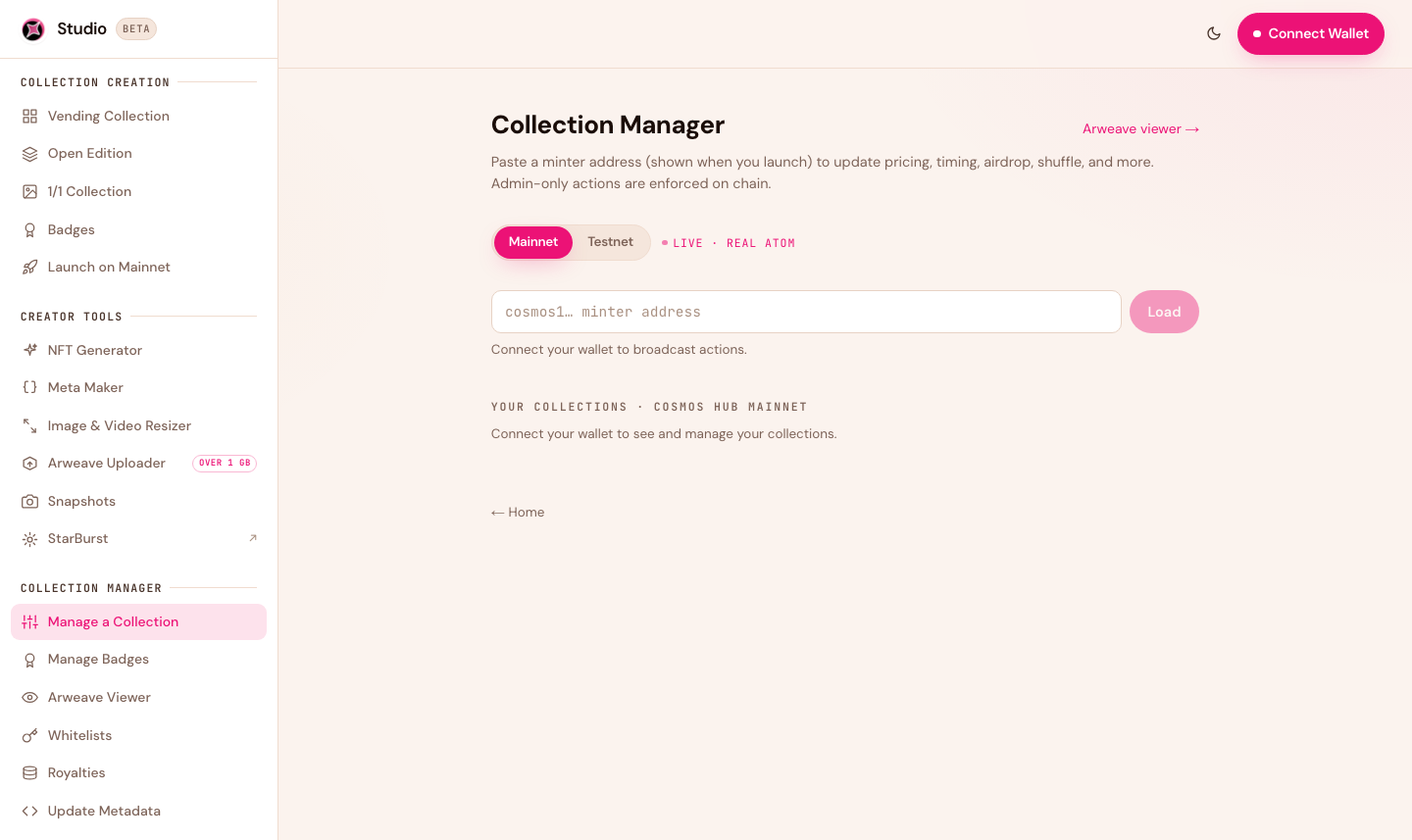
<figure><img src="/files/VgnUizROaCcY3Ej2ACI6" alt="Collection Manager in Studio 2.0"><figcaption><p>Paste a collection address to load it, then manage it. The network toggle keeps testnet and mainnet separate.</p></figcaption></figure>

## Loading a collection

Open [Manage a Collection](https://studio.stargaze.zone/manage) and paste your collection address (the one shown when you launched). Toggle **Mainnet / Testnet** to match where your collection lives. Connect your wallet to broadcast changes; once connected, your own collections are listed automatically.

## What you can change

Depending on the collection type, the manager lets you:

* **Pricing** — update the mint price and per-wallet limit.
* **Timing** — change the mint start, mint end, and secondary-trading start.
* **Airdrop** — mint tokens directly to any address (great for team allocations or giveaways).
* **Supply tools** — shuffle the reveal order, or burn the remaining unminted supply.
* **Withdraw** — collect your mint proceeds.
* **Whitelist** — attach or replace the whitelist. See [Whitelists](/create-and-launch/whitelists.md).

{% hint style="info" %}
**Linked times.** When you change a whitelist phase boundary or the mint start, Studio automatically carries the change to everything that depends on it — in a single transaction — so your phases and mint window always stay consistent. No hunting through multiple screens to keep dates in sync.
{% endhint %}

## Royalties

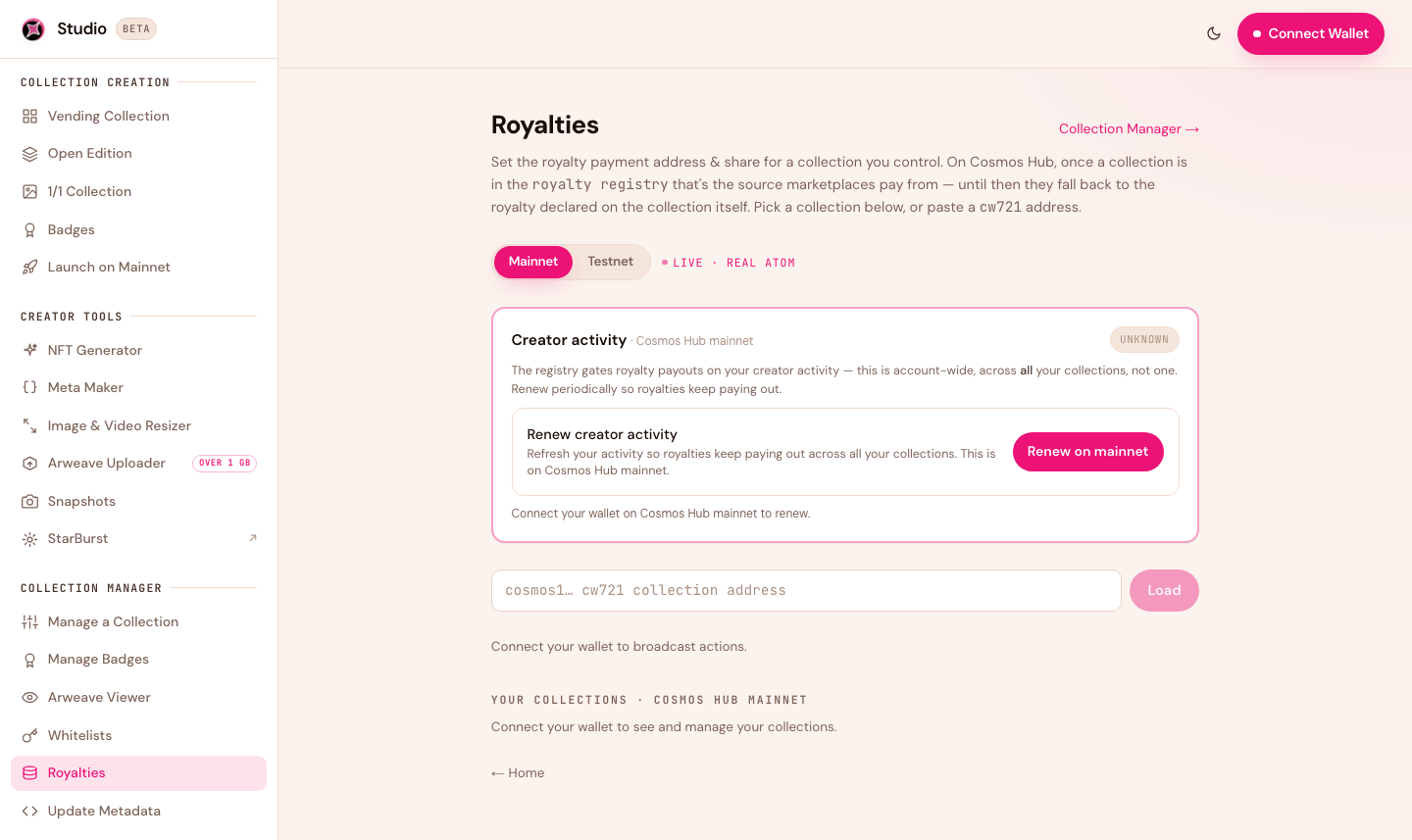
<figure><img src="/files/Joz3sDLHfCeh81wLGqfz" alt="Royalties manager in Studio 2.0"><figcaption><p>Set or update your secondary-sale royalty and payout address.</p></figcaption></figure>

Set the percentage you earn on secondary sales and the address it's paid to — a single wallet, a multisig, or a split. Your royalty is paid automatically to that address on every resale. A common range is **2–5%**: high enough to earn, low enough that it doesn't discourage trading. You can update it later from [Royalties](https://studio.stargaze.zone/manage/royalties).

{% hint style="warning" %}
**Renew your royalties every year.** A collection's royalties are reduced to 0% if the creator doesn't stay active. To keep them enforced, renew your creator activity once a year from the [Royalties](https://studio.stargaze.zone/manage/royalties) manager in Studio.
{% endhint %}

## Update metadata

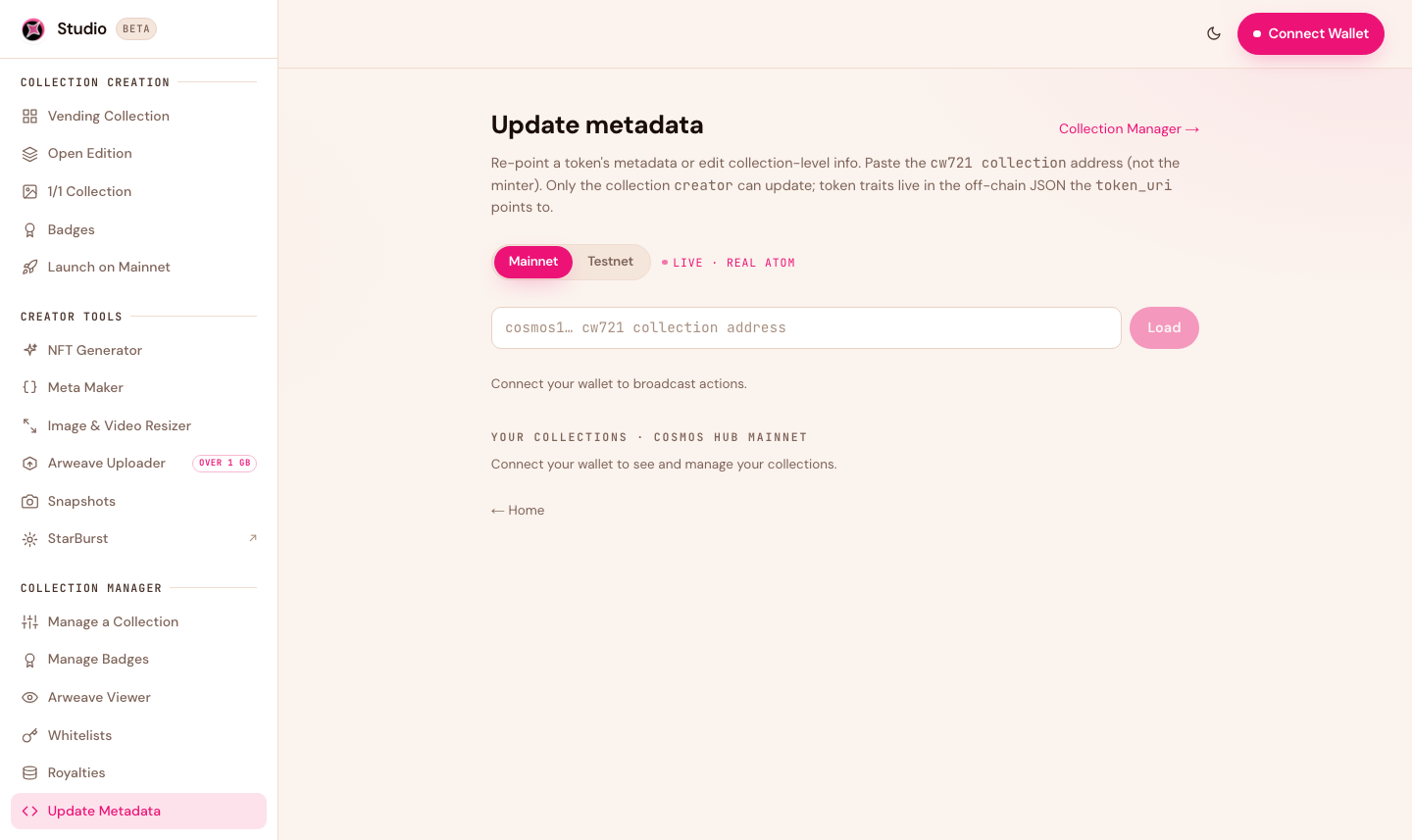
<figure><img src="/files/pnS05urJRZwXg147J4MK" alt="Update metadata in Studio 2.0"><figcaption><p>Update the metadata of individual tokens in your collection.</p></figcaption></figure>

Update the metadata of individual **tokens** in your collection — the pointer to each token's image, name, and traits. From [Update Metadata](https://studio.stargaze.zone/manage/metadata) you can also permanently **freeze** a token's metadata so it can never change again.

## What can't be changed

Some things are fixed at launch and permanent:

* **Total supply** (for fixed-supply collections)
* **The collection's contract address**
* **Your permanent Arweave art** (that's the point — it can't be lost *or* swapped)

## Next steps

* [Whitelists](/create-and-launch/whitelists.md) — manage allowlist phases
* [Costs & Fees](/create-and-launch/costs-and-fees.md) — what management actions cost in gas


---

# Agent Instructions
This documentation is published with GitBook. GitBook is the documentation platform designed so that both humans and AI agents can read, navigate, and reason over technical content effectively. Learn more at gitbook.com.

## Querying This Documentation
If you need additional information that is not directly available in this page, you can query the documentation dynamically by asking a question.

Perform an HTTP GET request on the current page URL with the `ask` query parameter, and the optional `goal` query parameter:

```
GET https://docs.stargaze.zone/create-and-launch/managing-your-collection.md?ask=<question>&goal=<endgoal>
```

`ask` is the immediate question: it should be specific, self-contained, and written in natural language.
`goal` is optional and describes the broader end goal you are ultimately trying to accomplish on behalf of the user. GitBook uses it to tailor the answer towards what is most useful for that goal.

The response will contain a direct answer to the question and relevant excerpts and sources from the documentation.

Use this mechanism when the answer is not explicitly present in the current page, you need clarification or additional context, or you want to retrieve related documentation sections.